
Android access
Android users should check APK source, file name, permissions and browser fallback. Unknown files can be risky even if the page uses the Rajbet Cricket name.
Mobile access
This page explains Android access, iOS browser use, mobile browser fallback, web shortcuts, app permissions and common mobile problems without promising that an app file is always available.
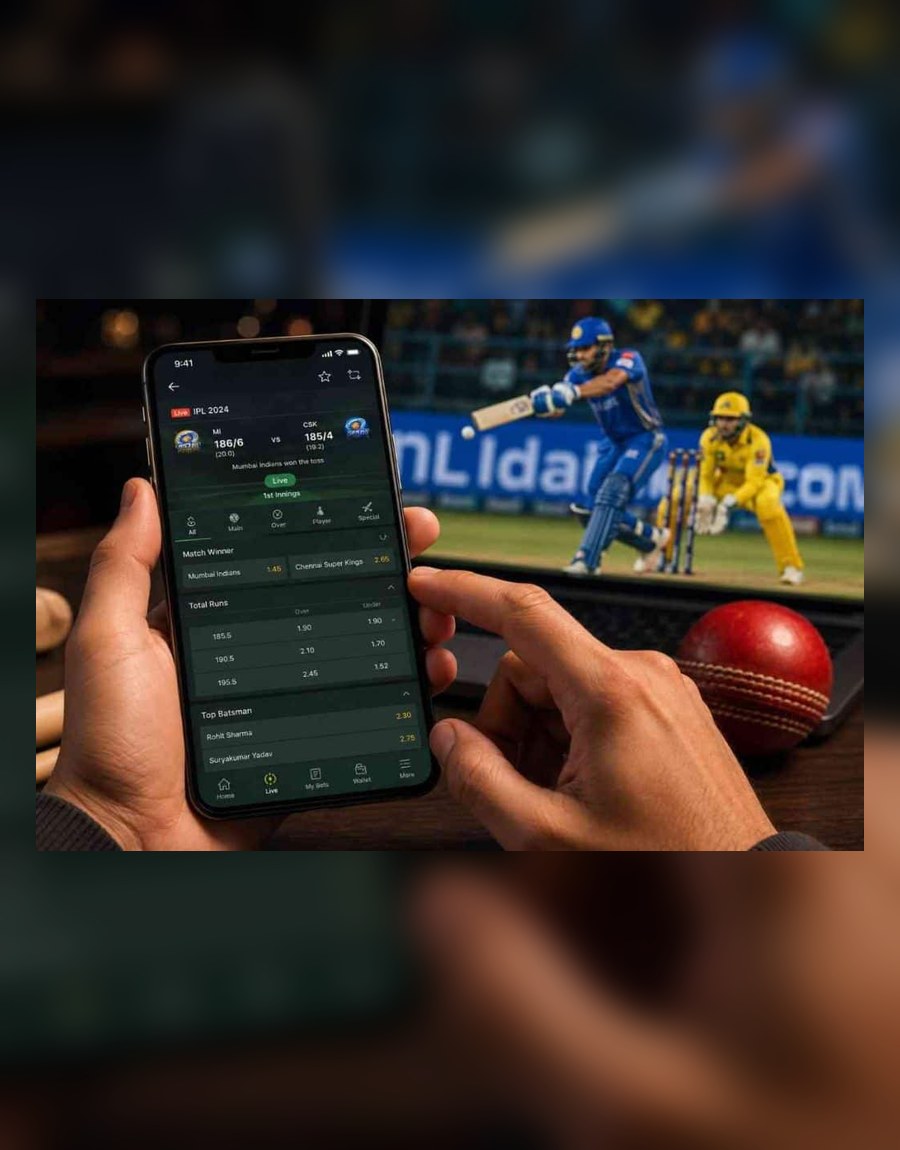
Before mobile use
Most mobile problems come from rushed links, unclear files or repeated OTP attempts. Check the basics before installing or logging in.
Use the current site navigation or a trusted bookmark. Be careful with short links and forwarded download pages.
If a download starts unexpectedly or permissions look excessive, pause and use the mobile browser instead.
Login and register pages should not ask for UPI PINs, banking passwords or card details.
Use a private device, avoid public Wi-Fi for account actions and set a time break before continuing.
Android users should check APK source, file name, permissions and browser fallback. Unknown files can be risky even if the page uses the Rajbet Cricket name.
iPhone users may use Safari or a mobile browser route where available. Do not assume a separate iOS app exists unless the source is clear.
A browser can still show login, register, games, bonus, payment and FAQ information without installing an app file.
Access options
Do not install unknown files from chat groups or short links.
A web shortcut can be convenient, but it is still a browser route.
A shortcut may open the site quickly, but it should not ask for unusual permissions.
If the source is unclear, using the mobile browser is safer than installing a file.

Troubleshooting
Troubleshooting table
If a screen asks for private banking or card details during basic access, stop and re-check the source.
| Problem | What to Check | Safer Action |
|---|---|---|
| Page not loading | Network, browser cache, URL spelling and HTTPS | Refresh once, then try a clean browser tab instead of random links. |
| App file unclear | File source, file name and permissions | Do not install it; use the mobile browser first. |
| OTP screen stuck | Mobile signal and whether too many codes were requested | Wait briefly and avoid sharing the OTP with anyone. |
| Browser cache issue | Old cookies, saved sessions and outdated browser | Clear cache or use a private trusted device. |
| Permission warning | Camera, storage, contacts or notification requests | Deny unclear permissions and stop if the app cannot explain them. |
| Unknown download link | Telegram, WhatsApp, short links or copied APK pages | Do not download; return to the current site navigation. |
Permissions
A gaming app or shortcut should not make users ignore privacy basics.
Only allow permissions you understand.
Turn off alerts that push rushed decisions.
A basic gaming guide should not need your contacts.
Mobile FAQ
This page does not promise that an app file is always available. Check the latest source and use the mobile browser when the source is unclear.
Do not install it. Use a mobile browser, check the current site navigation and avoid files sent through Telegram, WhatsApp or short links.
iPhone access may depend on browser or web shortcut options. This page does not claim a separate iOS app unless confirmed by the site owner.
Never share password, OTP, UPI PIN, banking password, wallet PIN or card details with anyone.